In modern computers, servers, and storage systems, increasing data transfer speeds is key to improving performance. One of the core technologies is PCI Express (PCIe). This article provides an easy-to-understand explanation, using diagrams and charts, of how PCIe works, how it differs from PCI, and its hierarchical structure for beginner engineers.
What is PCIe? The electronics highway
PCIe (Peripheral Component Interconnect Express) is a high-speed interface standard for connecting peripheral devices such as CPUs, GPUs, SSDs, and NICs. Efficiently exchanging massive amounts of data requires a high-speed, low-latency communication path. PCIe was developed to meet these requirements.
PCIe has evolved from the conventional parallel bus method to a serial communication method. Furthermore, each device has its own dedicated communication path (point-to-point connection), and the number of lanes can be flexibly expanded, enabling high-speed and flexible data transfer.
PCIe uses multiple lanes, like urban highways, to send and receive data simultaneously. With each generation, the transfer speed per lane improves, and by combining multiple lanes, it is possible to exchange larger volumes of data at higher speeds.
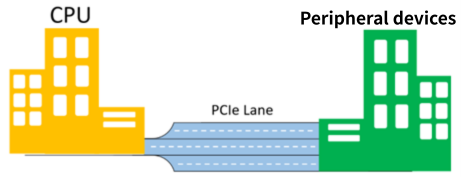
Image of PCIe Expressway
Why PCIe? Limitations of parallel buses and solutions
PCI (Peripheral Component Interconnect) was introduced in 1992 and is a standard interface used to expand computer functionality. PCI uses a parallel bus system, with multiple devices sharing the same bus. However, this system presented several challenges.
-
Bandwidth limitations: Multiple devices share the same bus, which can limit communication speeds.
-
Increased latency: Signals can interfere with each other, timing synchronization is difficult, and communication delays are likely to occur.
-
Low noise resistance: Because the wiring is densely packed, it is susceptible to external noise and interference from adjacent signals (crosstalk).
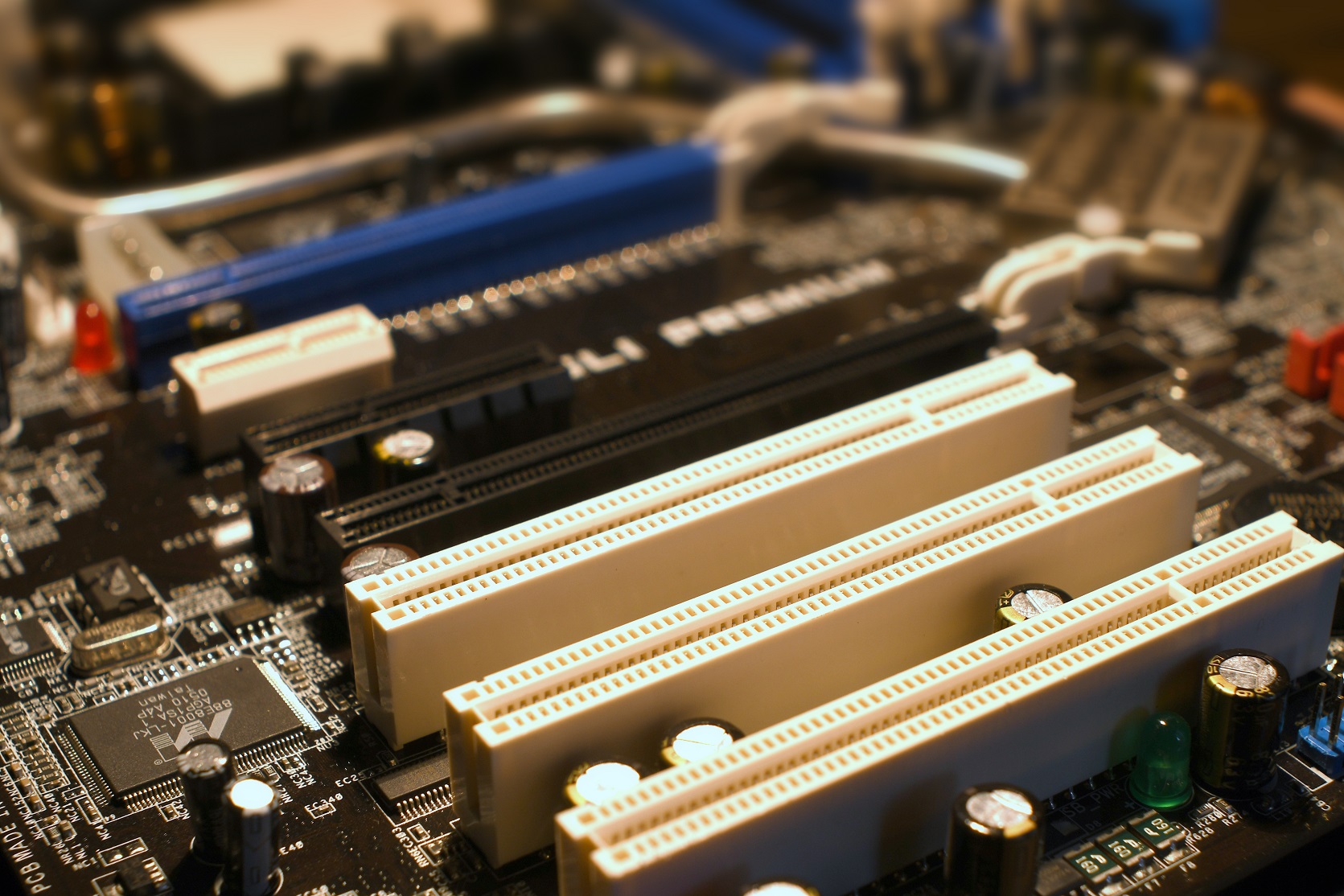
PCI and PCIe slots
To solve these problems, PCI Express (PCIe) was introduced in 2003. PCIe overcomes the limitations of conventional PCI and has evolved in many areas, including communication methods and expandability. Although PCIe is the successor to PCI, there is no physical compatibility due to differences in CONNECTORS shape and electrical specifications.
We have summarized the features of PCIe.
-
Serial communication method
With PCIe, each device has its own dedicated communication path (point-to-point), which reduces bandwidth contention. Furthermore, the use of differential communication makes it less susceptible to external noise, achieving high reliability. -
Scalability
PCIe allows you to flexibly choose the number of lanes, such as x1, x4, x8, or x16, so you can expand performance according to your needs. -
High speed
With each generation of PCIe, transfer speeds have improved significantly, with the latest generation capable of over 100GB/s in a x16 configuration, allowing you to maximize the capabilities of high-performance devices such as GPUs and NVMe SSDs.
The table below summarizes the main differences between conventional PCI and PCIe. PCIe has evolved significantly in all aspects, including transmission method, speed, and expandability.
Table 1 PCI vs. PCIe
| Characteristics | PCI (old) | PCIe (new) |
|---|---|---|
| Transmission method | Parallel Transmission | Serial Transmission |
| speed | Low speed (MB/s) | High speed (GB/s) |
| Noise immunity | weak | strong |
| Extended Structure | Bus type (shared) | Point-to-point (dedicated) |
| Compatibility | none | none |
PCI and PCIe slot specifications explained
PCI and PCIe slots are both interfaces for connecting expansion cards to PCs and servers, but due to significant differences in structure and performance, the two slots are not physically compatible. This article explains the characteristics of PCI and PCIe slots.
PCI slot characteristics
PCI uses a parallel transmission method, and its bus structure allows multiple devices to share the bandwidth of the communication path.
-
Shape: Rectangular, data bus width is available in two types: 32 bits (approximately 8.5 cm) and 64 bits (approximately 12 cm).
-
Voltage specifications: Compatible with 3.3V or 5V. Compatibility can be determined by the key (notch on the PCI slot) position.
-
Transfer speed: Approximately 133MB/s (33MHz) at 32bit, approximately 533MB/s (66MHz) at 64bit.
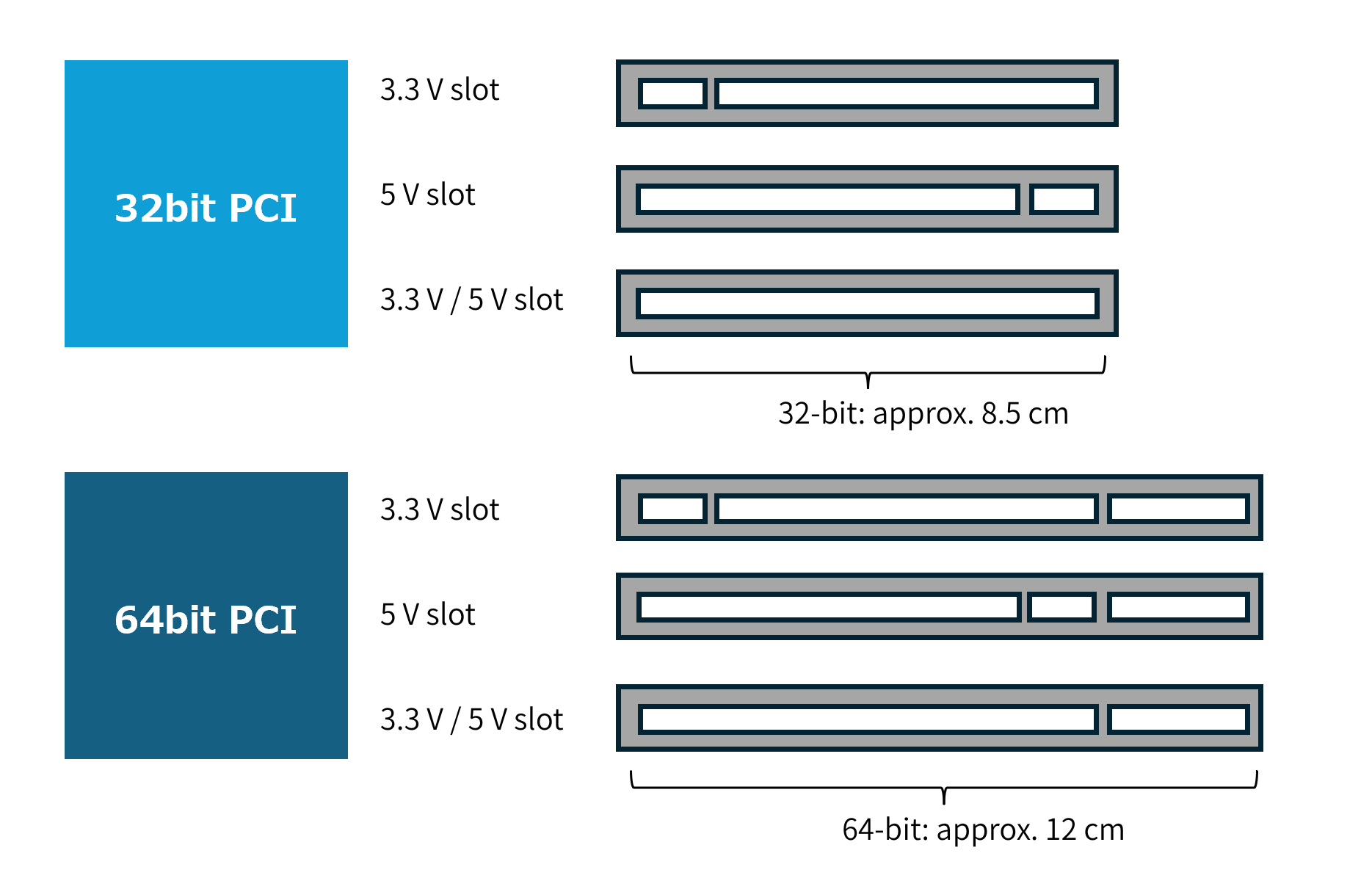
PCI slot shape
PCIe slot characteristics
Developed as the successor to PCI, PCIe uses a serial transmission method, with each device connected via a dedicated lane, eliminating bandwidth sharing and enabling high-speed, scalable performance.
- Shape: The length varies depending on the number of lanes. x1 (approx. 25mm), x4 (approx. 39mm), x8 (approx. 56mm), x16 (approx. 89mm).
- Voltage specifications: Signal voltage is 3.3V, POWER SUPPLIES supply supports 12V line. There is no voltage discrimination by key.
- Transfer speed: Gen1 250MB/s to Gen6: 8GB/s per lane (up to 128GB/s at x16).
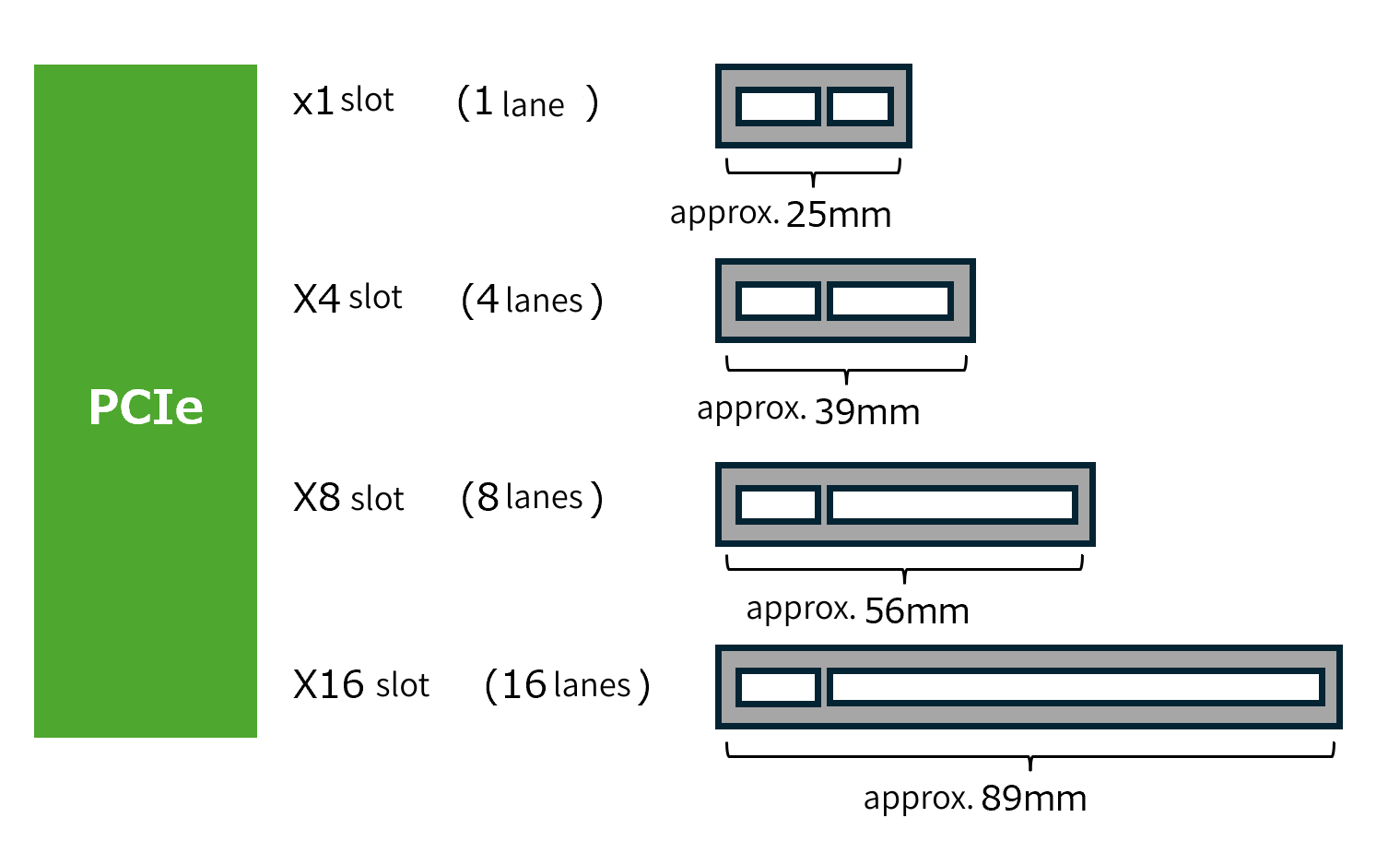
PCIe slot shape
PCIe Slot Compatibility
An expansion board with a PCIe interface can be inserted into a slot with the same or more physical lanes, and will operate at the slower speed of either the board or the slot.
For example, a x4 compatible board can be used in a x4 or x8 slot, but cannot be physically inserted into a x1 slot.
Bandwidth by generation: Gen1 to Gen6
Each generation of PCIe has dramatically improved transfer speeds and bandwidth. The following table compares the features of each generation.
Table 2 Theoretical maximum bandwidth for each generation
| generation | Release year | Transfer speed (1 lane) | Bandwidth in x16 configuration (one way) |
|---|---|---|---|
| PCIe 1.0 | 2003年 | 250 MB/s | 約 4 GB/s |
| PCIe 2.0 | 2007年 | 500 MB/s | 約 8 GB/s |
| PCIe 3.0 | 2010年 | 1 GB/s | 約 16 GB/s |
| PCIe 4.0 | 2017年 | 2 GB/s | 約 32 GB/s |
| PCIe 5.0 | 2019年 | 4 GB/s | 約 64 GB/s |
| PCIe 6.0 | 2022年 | 8 GB/s | 約 128 GB/s |
Note: The numbers in the table are theoretical maximums. Actual speeds may be slower due to encoding methods and overhead.
PCIe is backward compatible across generations, meaning that higher-generation devices can be connected to lower-generation slots. However, communication speeds will be limited to the bandwidth of the lower generation. For example, a PCIe 5.0 device plugged into a PCIe 3.0 slot will function fine, but communication speeds will be limited to the PCIe 3.0 bandwidth. Furthermore, actual performance is also affected by factors such as physical design, power supply, BIOS settings, and cabling quality.
PCIe Control Tower: Three-Tier Structure
The PCIe bus uses a serial connection method, and data is transferred in the form of packets. Packets pass through three layers in order: the Transaction Layer, the Data Link Layer, and the Physical Layer. The PCIe bus layer structure is shown in the figure below.
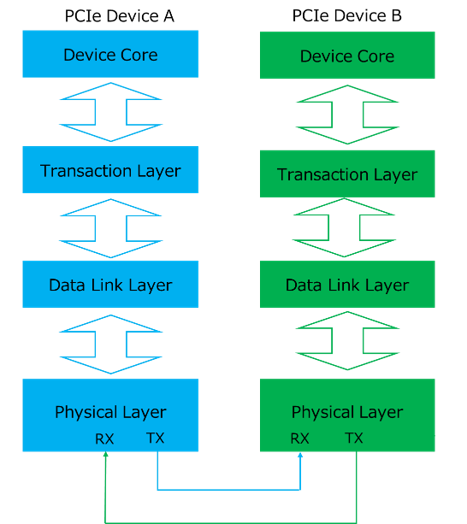
PCIe hierarchy and transmission/reception flow
The hierarchical structure of the PCIe bus is similar to the hierarchical model of a network, but is unique in that it is implemented entirely in hardware. With PCIe, packets are first generated in the device core and transmitted in the order of transaction layer, data link layer, and physical layer. Similarly, when receiving, packets pass from the physical layer through the data link layer and transaction layer before finally reaching the device core.
-
Transaction Layer: Manages sending and receiving requests and creates packet headers and data payloads.
-
Data link layer: Adds sequence numbers and error checking information to packets to improve communication reliability.
-
Physical layer: Uses actual electrical signals to transmit and receive data, and handles differential signaling and data encoding.
These three layers are like a three-story control tower, with each layer working together to ensure safe and efficient high-speed PCIe communication.
Summary
PCI Express (PCIe) is an essential technology for modern computers and servers, providing a high-speed communication path between the CPU and peripheral devices. Its serial communication method and lane structure have significantly improved bandwidth, scalability, and speed. Its three-tiered structure also ensures both reliability and efficiency. In our next post, we'll take a closer look at PCIe topology and the PCIe Switch, which plays a vital role within it. Let's use concrete examples to learn how PCIe topology branches and supports complex systems.
Inquiry
Link to Related Technical Columns
Related Product Information
Introducing NXP's Recommended Analog IC Products: The "Unseen Mainstays" Supporting ECU Development
This section showcases NXP's analog IC products for automotive ECUs, highlighting their role as components supporting peripheral functions such as sensors, RTCs, displays, communications, and POWER SUPPLIES.
- NXP Semiconductors NV
- NEXT Mobility
ADMX3651: 6.5-digit, ±10V digital voltmeter
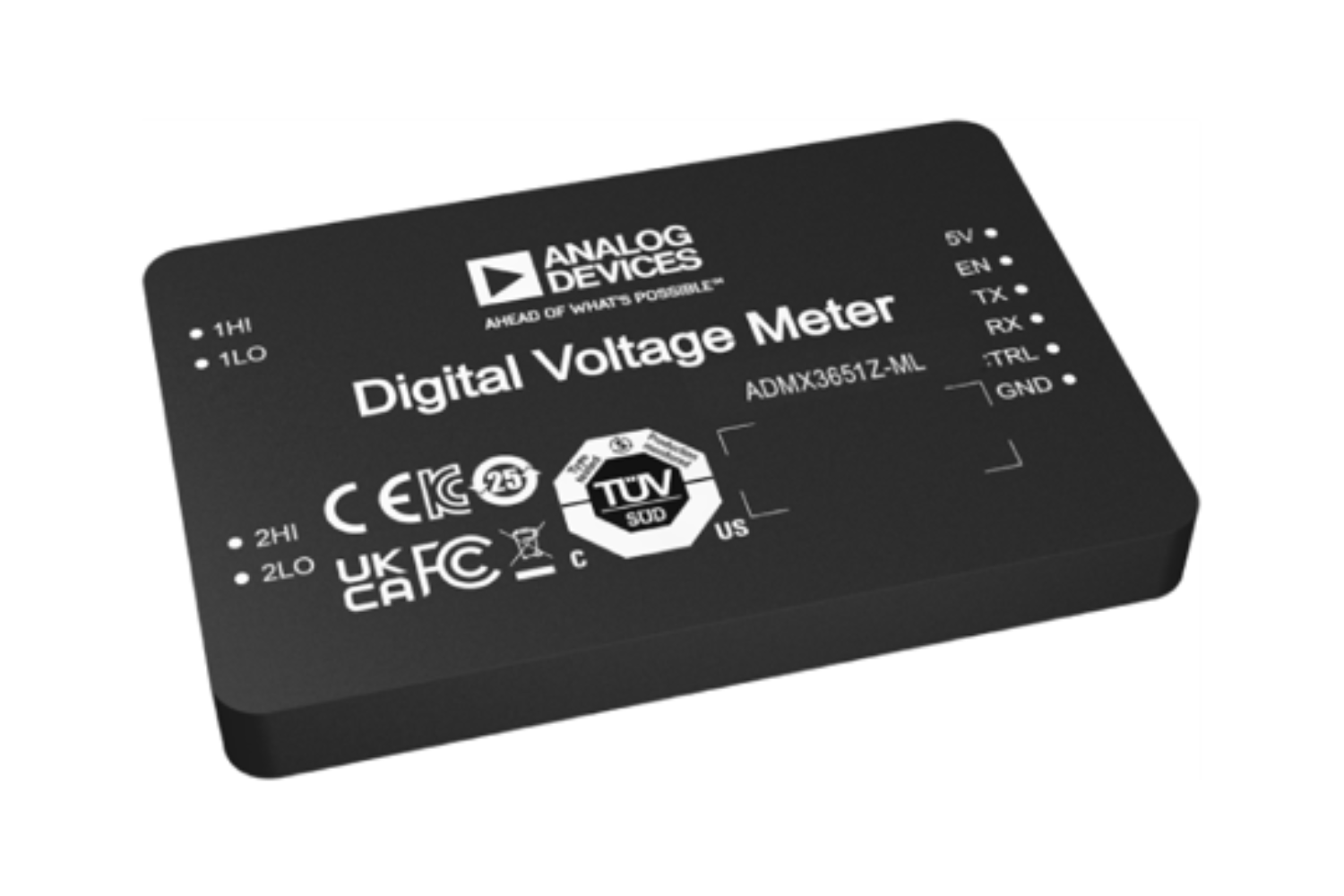
The ADMX3651 is a 6½-digit digital voltmeter that combines high throughput and high-precision measurement, making it suitable for industrial automated testing and high-precision voltage measurement.
- Analog Devices, Inc.
- ICT and Industrial
Introduction to In-Car Communication (ICC) | Use Cases of Analog Devices Products
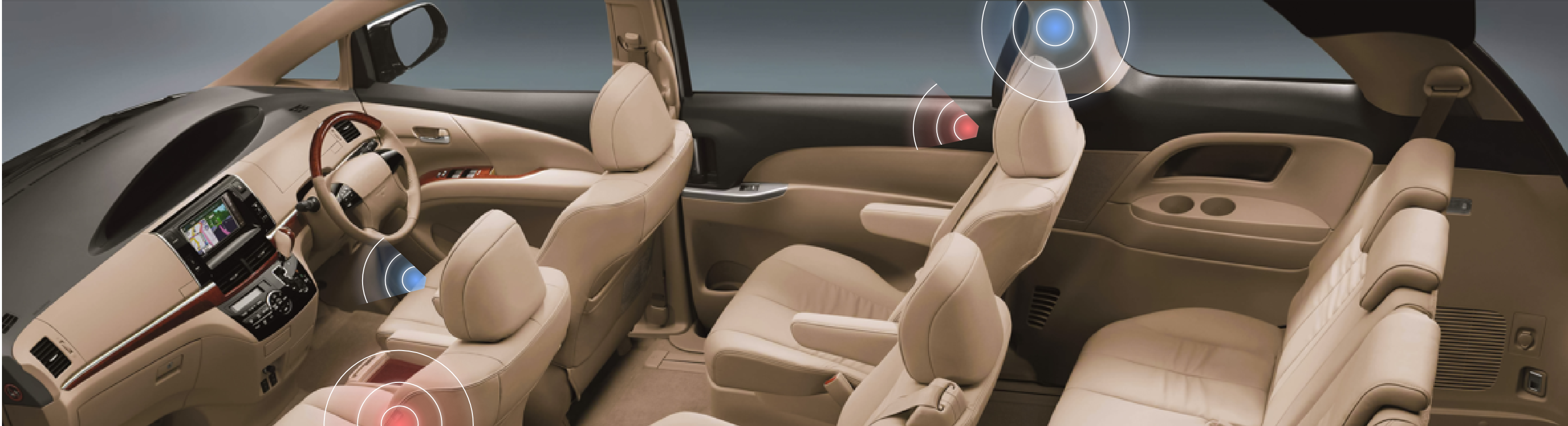
The in-car communication system developed by our company uses voice signal processing technology to enable the voices of passengers to be heard clearly even while the car is moving.
- Analog Devices, Inc.
- NEXT Mobility
GMSL High-Speed Transmission Technology for Automotive Applications
This explains the high-speed transmission technology GMSL.
- Analog Devices, Inc.
- NEXT Mobility

An In-Depth Look at the Features of NXP's Automotive CAN/LIN Transceiver Products
This article explains the features of NXP’s automotive CAN/LIN transceivers, designed to withstand harsh in-vehicle conditions, for ECU developers looking for reliable in-car network products.
- NXP Semiconductors NV
- NEXT Mobility
- ICT and Industrial
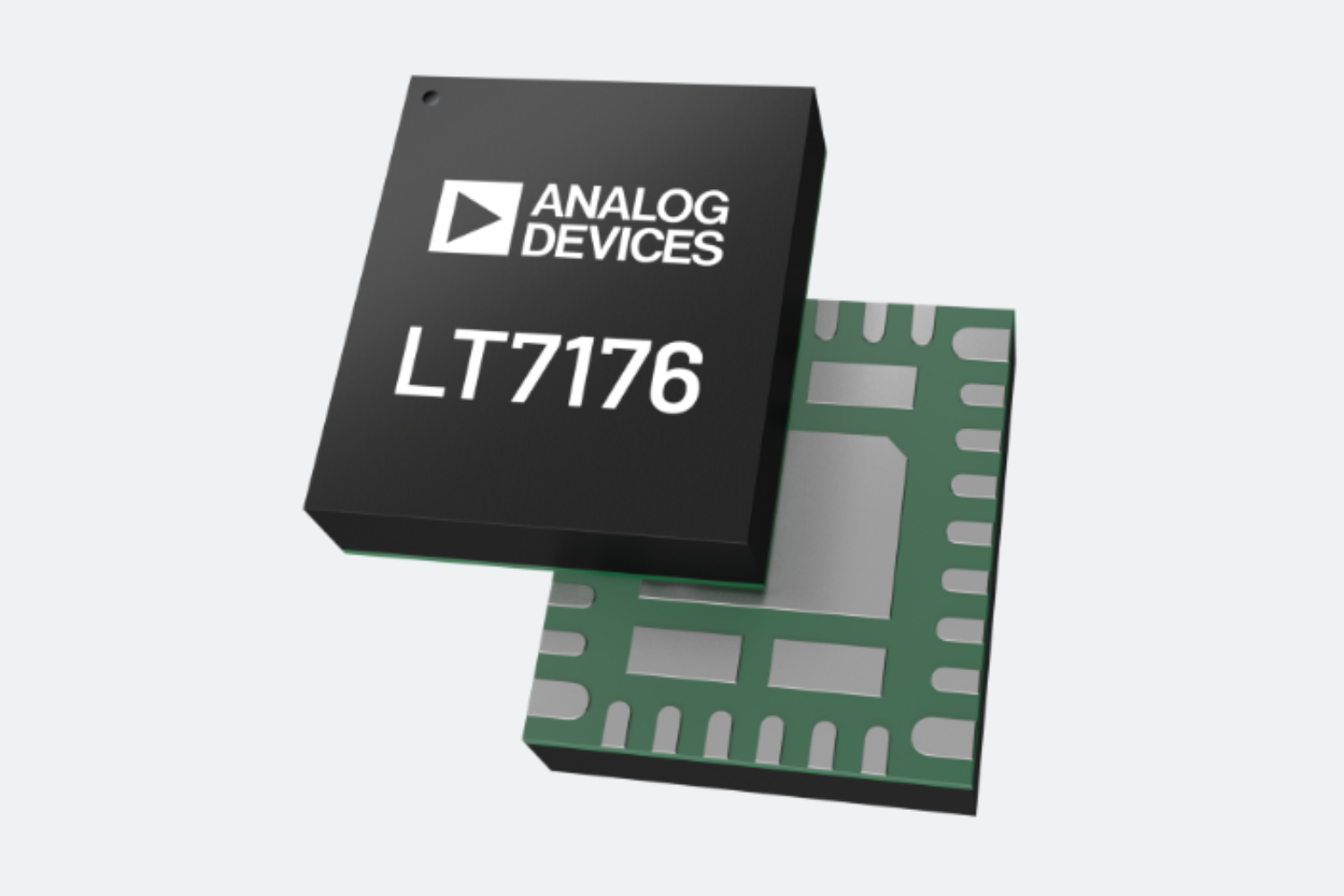
LT7176: 24A/4V, single-phase or dual-phase silent switcher step-down regulator with digital power system management capabilities.
The LT7176 is a step-down regulator with a Silent Switcher that supports up to 24A output, and also features PMBus control, telemetry, and PolyPhase operation.
- Analog Devices, Inc.
- ICT and Industrial