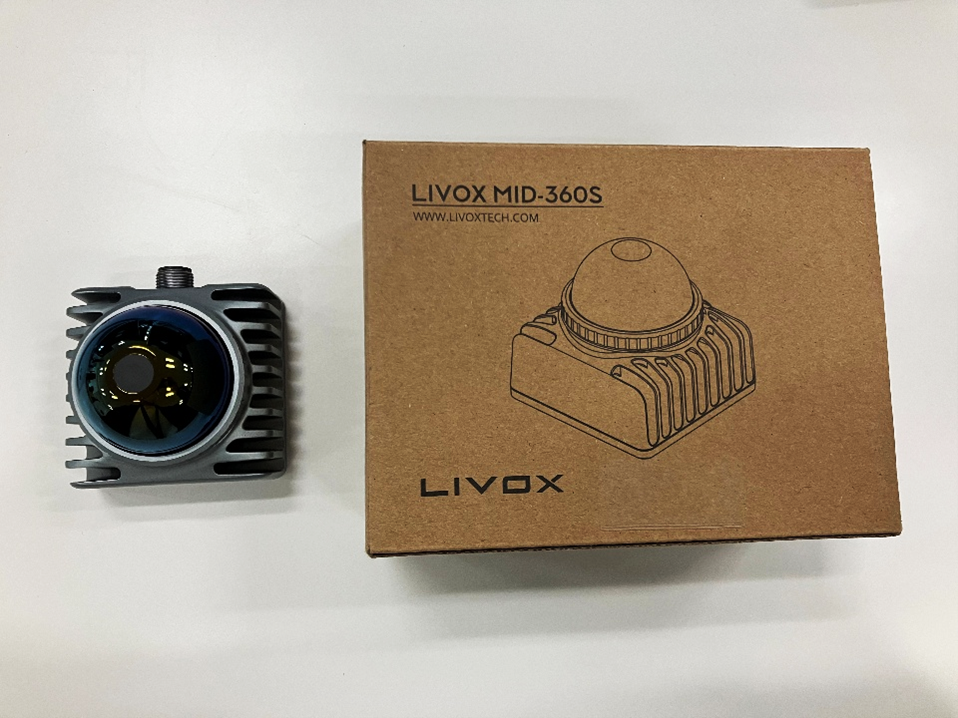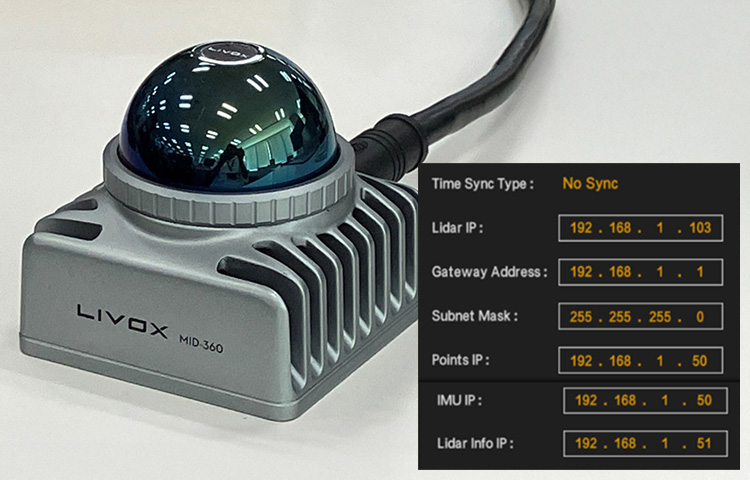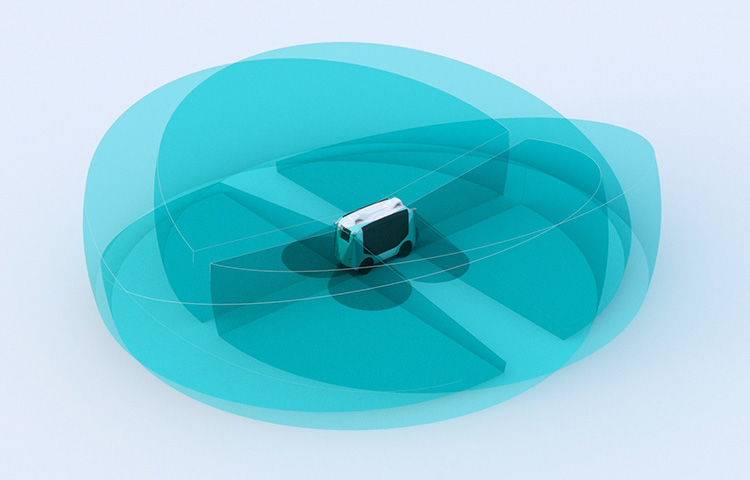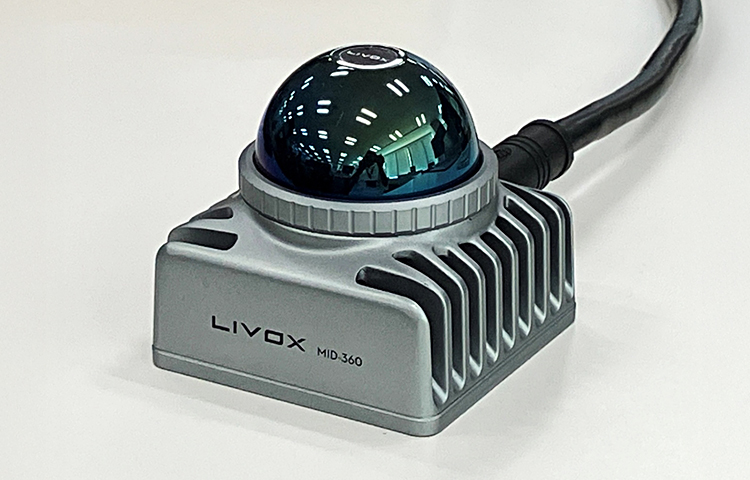
We implemented 3D-MAP creation (LIO-Livox) using the MID-360, a 3D-LiDAR manufactured by Livox, which costs less than 100,000 yen.
- Uses the MID-360's built-in IMU
- Create a 3D map while acquiring point cloud data
- Save the created data to a PCD file

Overview
- System Architecture
The system starts with the node “ScanRegistartion” where feature points are extracted.
Since there are usually many dynamic objects in urban scenes, the dynamic objects are removed from the point cloud before feature extraction.
For dynamic object FILTERS, we use a fast cloud segmentation technique.
Euclidean clustering is applied to group the points into several clusters.
The point cloud is divided into ground points, background points, and foreground points.
Foreground points are considered as dynamic objects and are excluded from the feature extraction process.
The dynamic object FILTERS makes the system highly robust in dynamic scenes.

- Hardware Configuration
- NVIDIA: Jetson AGX-Xavier or BOX-PC or notebook PC, etc.
- environment
- ROS (Noetic)
- Celes Solver
set up
- Install Celes Solver
Please refer to the following for installation instructions.
- However, the version used is 2.1.0.
$ wget http://ceres-solver.org/ceres-solver-2.1.0.tar.gz
- Install and set up Livox_SDK2
- Install and set up Livox_ros_driver2
- Download the LIO-Livox package published on github and compile it.
$ cd ~/livox_ws/src/
$ git clone https://github.com/ixs-yuichiro-okui/LIO-Livox.git
If you run catkin_make as is, an error will occur, so fix the following:
- Change the file for livox_ros_driver2
- Corrected file
LIO-Livox/CMakeLists.txt, LIO-Livox/package.xml
LIO-Livox/include/LidarFeatureExtractor/LidarFeatureExtractor.h
LIO-Livox/src/lio/LidarFeatureExtractor.cpp
LIO-Livox/src/lio/ScanRegistration.cpp
- Correction details
livox_ros_driver => livox_ros_driver2
- Modify the file for Noetic
- Corrected file
LIO-Livox/CMakeLists.txt
- Correction details
set(CMAKE_CXX_FLAGS "-std=c++14")
- Corrected file

include/Estimator/Estimator.h

src/lio/PoseEstimation.cpp

src/segment/segment.cpp Overview
- Modified the source code to enable saving PCD files after map generation.
- LIO-Liovx/src/lio/PoseEstimation.cpp
   :
38行目 ///// Add /////
39行目 pcl::PointCloud<pointype>::Ptr livox_full_map(new pcl::PointCloud<pointype>());
40行目 ///// Add /////
:
570行目 ///// Add /////
571行目       *livox_full_map += *laserCloudAfterEstimate;
572行目 ///// Add /////
:
628行目 ///// Add /////
629行目   std::string save_map_file;>
630行目   ros::param::get("~save_map_file",save_map_file);>
631行目   std::cout << "===== Save PCD file =====" << std::endl;>
632行目   pcl::io::savePCDFileBinary(save_map_file, *livox_full_map);>
633行目 ///// Add /////<pointype><pointype>
- Then run the compilation
$ catkin_make
Setting parameters
- Launch file: Specify the "IMU mode" and PCD file name in mid360.launch
- Change the Voxel Filter coefficients as needed.
<launch>

<node pkg="lio_livox" type="ScanRegistration" name="ScanRegistration" output="screen">

<param name="config_file" value="$(find lio_livox)/config/mid360_config.yaml"/>
<!--0-custom msg ,1 ros sensor msg pointcloud2 msg  -->
<param name="msg_type" type="int" value="0"/>
</node>

<node pkg="lio_livox" type="PoseEstimation" name="PoseEstimation" output="screen">
<!-- 0-Not Use IMU, 1-Use IMU remove Rotation Distort, 2-Tightly Coupled IMU -->
<param name="IMU_Mode" type="int" value="1" />
<!-- Voxel Filter Size Use to Downsize Map Cloud -->
<param name="filter_parameter_corner" type="double" value="0.2" />
<param name="filter_parameter_surf" type="double" value="0.4" />
<!-- Extrinsic Parameter between Lidar & IMU -->
<rosparam param="Extrinsic_Tlb"> [0.9999161, 0.0026676,  0.0126707, -0.011,
                        -0.0025826, 0.9999741, -0.0067201, -0.0234,
                        -0.0126883, 0.0066868,  0.9998971,   0.044,
                        0.0,       0.0,        0.0,      1.0]</rosparam>

<param name="save_map_file" type="string" value="$(find lio_livox)/pcd/map.pcd" />
</node>

<node launch-prefix="nice" pkg="rviz" type="rviz" name="rviz" args="-d $(find lio_livox)/rviz_cfg/lio.rviz" />

</launch>
How to run
$ roslaunch livox_ros_driver2 msg_MID360.launch
$ roslaunch lio_livox mid360.launch
Editing a Point Cloud File
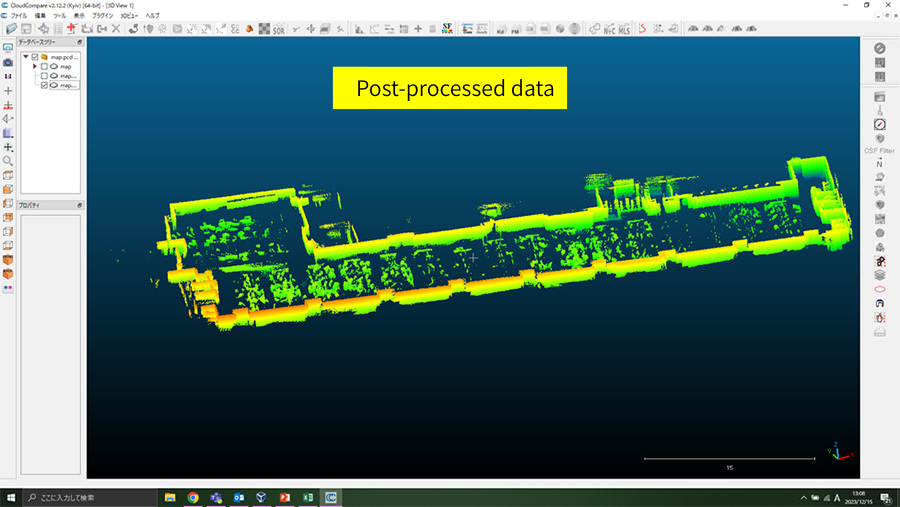
You can edit the created PCD file using CloudCompare.
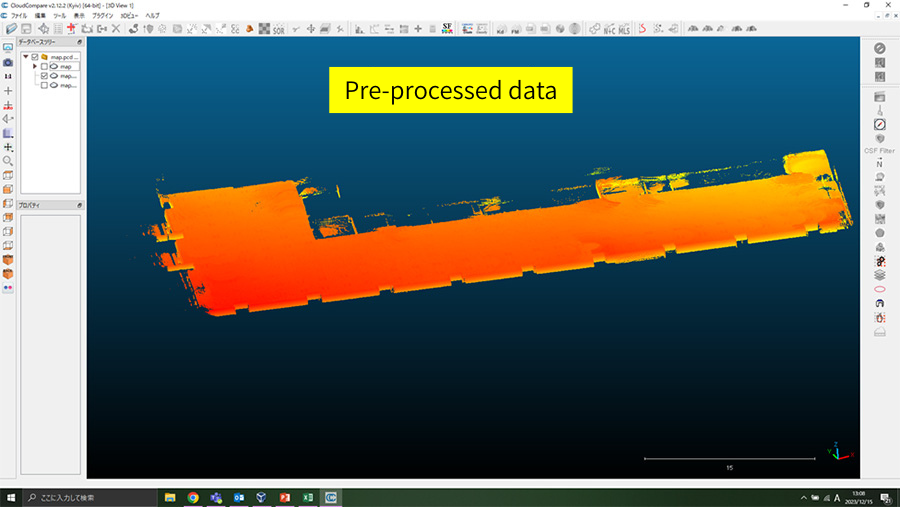
- SOR FILTERS (removing distant data)
- PCV/ShadeVis processing (edge emphasis)
- Remove the ceiling
Reference
- Ceres-Solver installation instructions
- LIO-Livox (Livox original)
- LIO-Livox (noetic version)
- CloudCompare
- Livox 3D-LiDAR now available for full-scale industrial use
- Sensor fusion of 3D-LiDAR (Livox: HAP) and camera
Disclaimer
The system introduced on this page has been confirmed for demonstration purposes only. Therefore, we cannot be held responsible for any problems that may arise from using the contents of this page. Also, if you intend to use it for commercial purposes, please check with the source code creator.
![Making your own CABLES for the Livox MID-360 [Practical Guide]](/uploads/media_files/livox_10_thumbnail-3954867486.jpg)